
Projects Tab
Manage and review all project submissions for your hackathon in one place.
Projects Tab
The Projects Tab allows you to view, manage, and review all project submissions made by participants during your hackathon.
Accessing the Projects Tab
You can access this tab from https://org.devfolio.co/<hackathon_slug>/projects
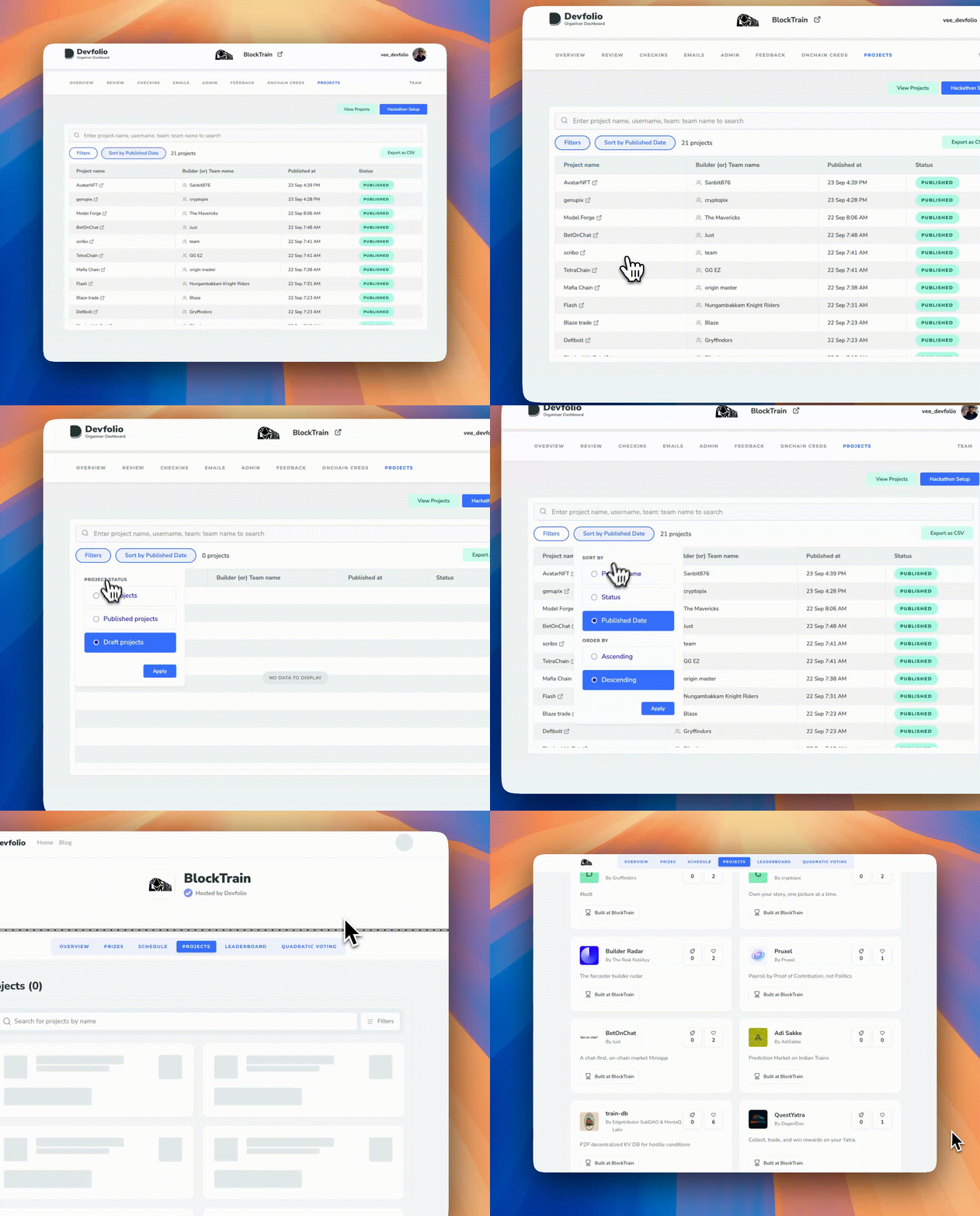
Key Features
Search Projects
Quickly find specific projects by searching for:
- Project name
- Username
- Team name
Filter and Sort
Filter by Status:
- All projects
- Published projects (visible on microsite)
- Draft projects (not yet published)
Sort by:
- Project Name
- Status
- Published Date
Order:
- Ascending
- Descending
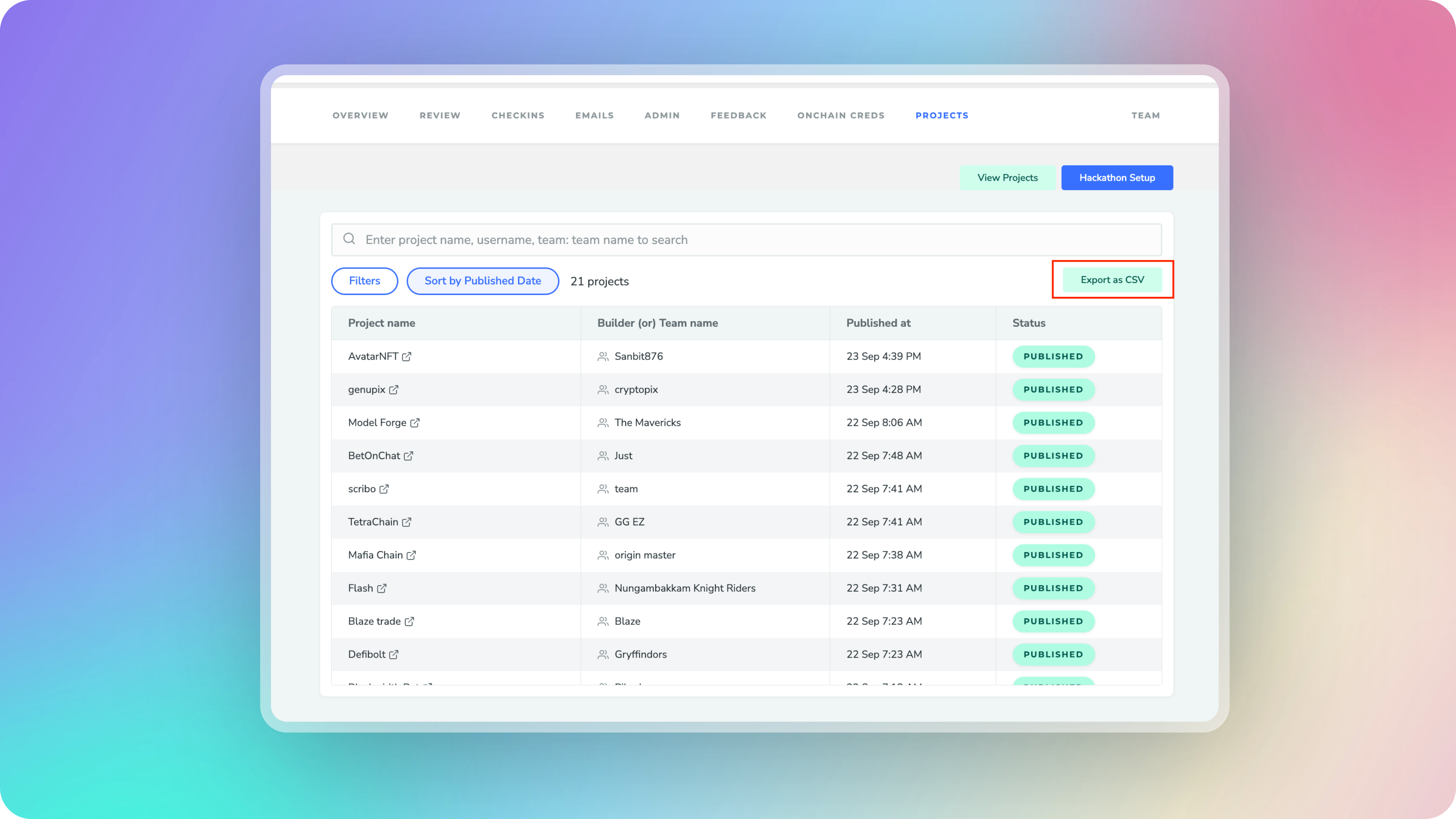
Export Projects
Export all project data to CSV format for easy analysis and record-keeping.
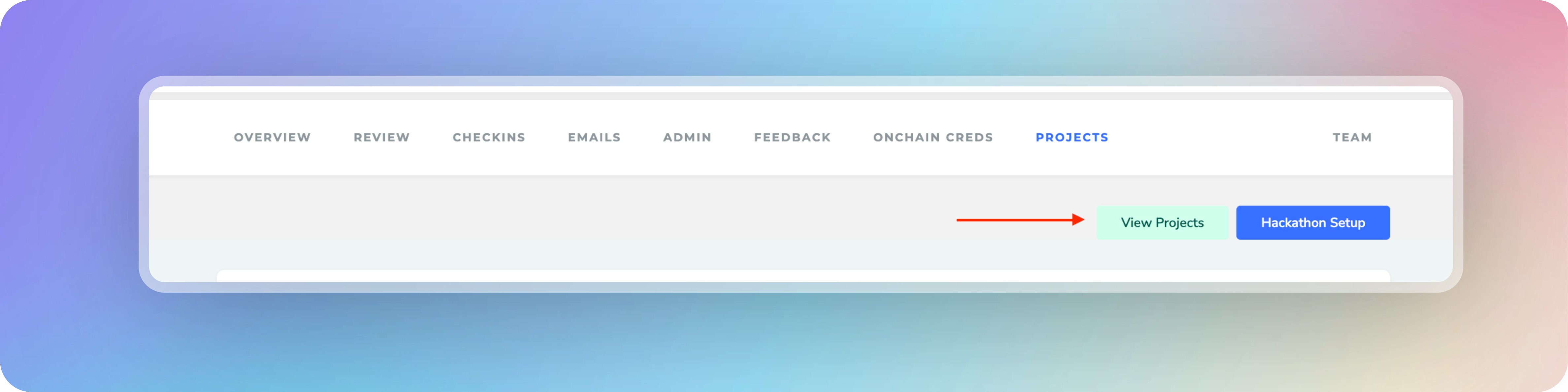
View on Microsite
Access a direct link to view published projects on your hackathon's public microsite. The View Projects button redirects to https://<hackathon_slug>.devfolio.co/projects
Note
Only published projects are visible on the microsite. Draft projects remain private until the teams publish them.
How is this guide?